Category: Energy & Lighting

  • Belkin WeMo Light Switch Review

    Belkin WeMo Light Switch Review

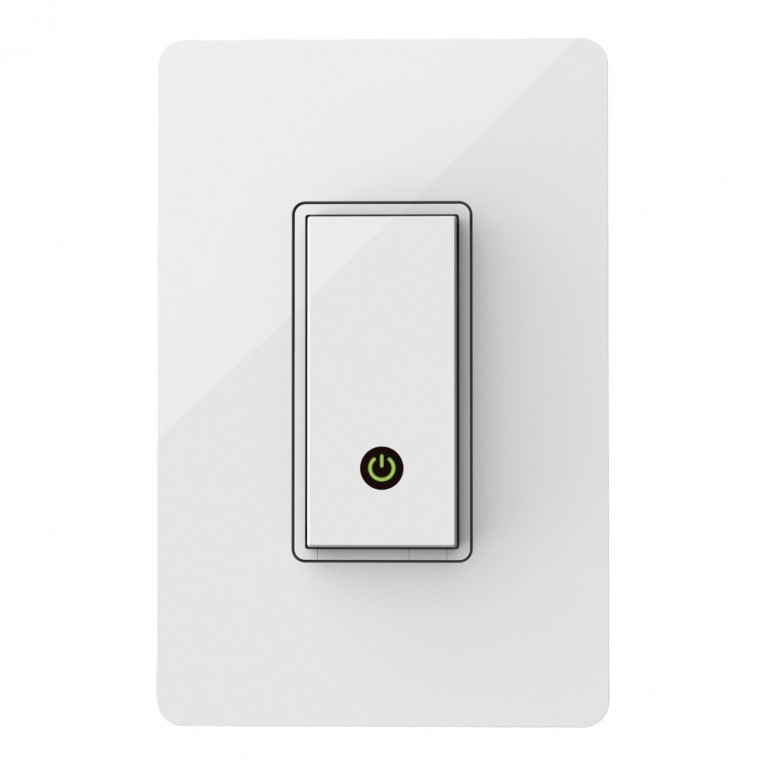
    The Belkin WeMo light switch is exactly what you would expect from a well-rounded home automation light switch. It’s compatible with most of today’s top smart home hubs including Echo, SmartThings, and Harmony which is great for us who already have a home automation system up and running, otherwise you can connect directly to your Wi-Fi and still get all the features of a remote lighting solution. Beautifully designed this switch currently only comes in white and operates when you tap the push button that illuminates a power light letting you know your switch is on.

    Once up and running you not only have the ability to operate your lights from anywhere in the world using your smartphone and tablet, but you also have the ability to assign a lighting schedule for each switch and through the use of IFTTT have specific lights automatically turn on when you enter your home. Some users have gotten creative with the IFTTT features and setup the network to send them a text if they left the house and didn’t turn off all the lights in an attempt to save energy. The price tag, on the other hand, is just high enough at $50 to scare off some of the most frugal consumers, although we were able to find it for $38 which is listed below and is probably the best deal you’re going to currently get. Considering the price tag we would like to see a few more features in the future that are not currently available like dimming capabilities and the ability to operate the switch from our Windows PC.

    [quick_offer id=1571]

    Installation & Setup

    The installation is simple and shouldn’t take more than 15 minutes. If you’re not comfortable with the fact of wiring your own switch then we suggest finding a family member or friend to do it for you, whatever route you take just don’t forget to turn off the power from your circuit break before starting. For more information on how to do it yourself, feel free to watch the installation video provided by WeMo. Another thing to keep in mind before even purchasing the switch is that this switch is compatible with any one-way connection lights, but not compatible with three-way connection lights so be sure to check your current switch before ordering. It’s also recommended to use the face plate that is included with the switch or you can use a plastic plate, just try and avoid metal face plates as they may interfere with the Wi-Fi signal. All together installation is as easy as turning off your breaker, removing your old switch and connecting the new one.

    After installation is where a few users have had issues. It’s been reported that connecting the switch to the Wi-Fi and software can be glitchy with the users having to try several times to get the switch connected to the network through the app, but once completely installed no problems have been reported and the switch operates smoothly. At this point, you may want to take the time to become familiar with the app, setup your IFTTT recipes and lighting schedules.

    [quick_offer id=1571]

    Amazon Customer Reviews:

    [scrapeazon asin=”B00DGEGJ02″ width=”960″ height=”600″ border=”false” country=”US”]

    [wpsm_specification]

    To conclude our Belkin WeMo light switch review it’s a little disappointing it doesn’t have dimmer capabilities considering the high price tag but keep in mind it’s very cross-compatible with other products, simple to install, nicely designed and works with both your iOS and Android device. So if you have the money to spend we say go for it, your going to get everything you’d expect from a smart home light switch.

    [review]
  • GE Z-Wave Wireless Lighting Control and Appliance Module Review

    GE Z-Wave Wireless Lighting Control and Appliance Module Review

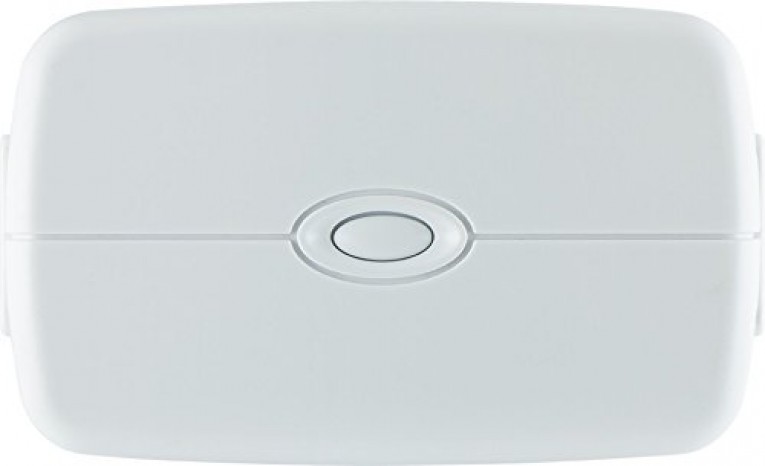
    Today we had a chance to review the GE Z-Wave Wireless Lighting Control and Appliance Module to see how it stacks up to its counterparts of Z-Wave energy switches and it did well. Recently we reviewed the Aeon Labs Z-Wave Smart Energy Switch which had an amazing durable design and a very low price, so going into reviewing another Z-Wave energy switch we had a little skepticism, still this switch did not disappoint! Unlike many of its competitors, this switch contains 2 outlets which can help justify the price when you don’t have to purchase two switches. For us the design is a little bulky but it’s still built not to block your lower outlet. The three prong plug is rated to handle up to 600 watts which is enough to handle your average table lamp but is much less that of the Aeon Labs Z-Wave Smart Energy Switch which can handle 1875W at 15A, you won’t be switching on or off any AC units or heaters.

    [quick_offer id=1447]

    As with any Z-Wave certified device, this will easily connect with your Z-Wave controllers like ADT Pulse, Nexia Home Intelligence, SmartThings Home and Wink controller by the push of just an “Add Device” and the built-in button. Although this is a very popular device with lots of positive reviews from customers who have made the purchase, one thing that is noted is this switch does not give you the option to dim your lighting, even though it is target toward the lighting market. Also, like many Z-Wave devices, this can act as a repeater to grow your mesh network. If you have another Z-Wave device that is out of reach of your hub, this switch will repeat the signal from the hub so you can control your device that was out of distance. All together this is a great device with many very satisfied customers with an average user rating of 4.5/5 and it will make a great addition to your smart home.

    [wpsm_specification]

    [review]

  • Aeon Labs Z-Wave Smart Energy Switch Review

    Aeon Labs Z-Wave Smart Energy Switch Review

    We had the opportunity to check out the buzz behind the Aeon Labs Z-Wave Smart Energy Switch and really figured out why so many customers love this product. The short version is, it’s simple, durable and does what is expected. This device gives you the ability to add Z-Wave wireless control to any plug-in appliance within 100 feet of your controller whether the Smartthings Hub, Wink Hub, Mi Casa Verde VeraLite or the Revolv home automation hub to name a few.
    [quick_offer id=1450]

    Along with supporting up to 1875W, 15A devices, the Aeon Labs Z-Wave Smart Energy Switch also serves as a repeater for your other Z-Wave devices. Why is this relevant and what does it mean? When a signal is transmitted from your console/hub, each signal only has so much strength to make it the distance necessary to your intended target. Let’s say you have a front porch light that is too far from your console/hub to receive a strong signal. Place this energy switch somewhere between the intended porch light and your hub and you have a repeater that will repeat, create a mesh network and strengthen the signal so it makes it to your porch. Many Z-Wave devices offer this ability; just make sure it’s an option before making the purchase if this is your intent.

    Amazon User Reviews:

    [wpsm_specification]

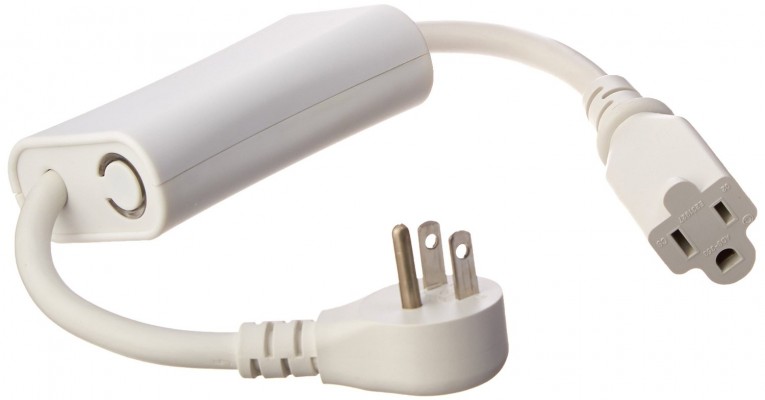
    The hardware itself is built to last, with a similar construction to that of heavy duty extension cord used on construction sites. Solid to the touch, the cables are thick but soft and the two ends are heavy duty, you should have no problems with wear and tear. The rest of the device is one solid build aside from the button on the side that illuminates when the switch is on. Setup is also a breeze, dependent on your hub you generally just need to search for a device from your controller then press the blue button on the switch to finish the setup. That’s it!

    [review]

  • GE Link Wireless A19 LED Light Bulb Review

    GE Link Wireless A19 LED Light Bulb Review

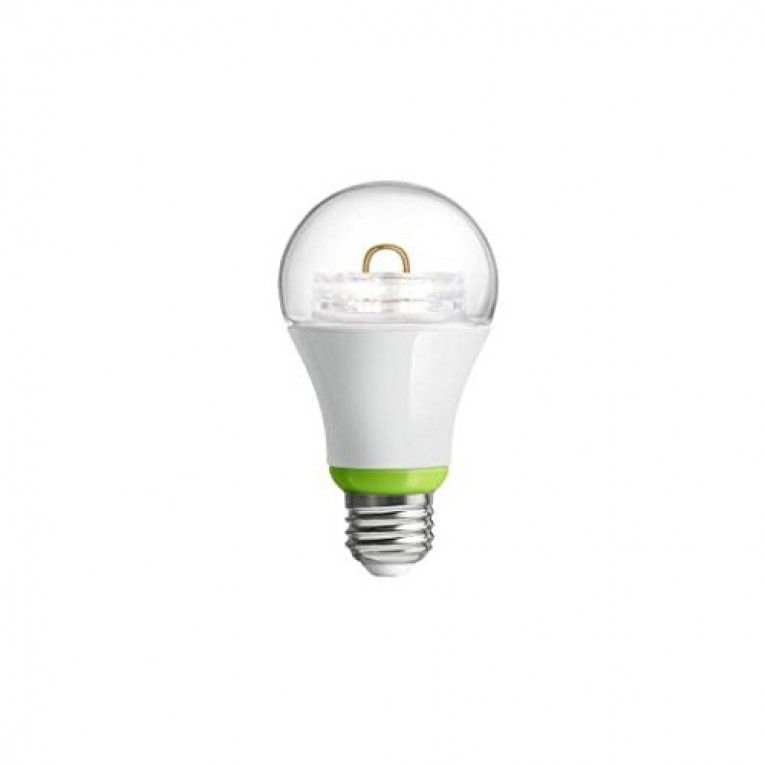
    The Wink compatible GE Link Wireless A19 light bulb fits right in with the rest of Wink’s line of budget friendly but rather glitchy smart home products. If you can get the bulb connected and to stay connected, this bulb gives a better color rendering than any other bulb within its price. Being compatible Quirky, Dropcam, Honeywell, Lutron and Amazon Echo it’ll serve its purpose providing 800 lumens of 2,700k soft white light for a lifespan of 25,000.
    [quick_offer id=1456]

    Unfortunately that’s about the extent of the GE A19 LED Light bulb. As mentioned its Wink compatible so as to be expected the Wink Hub is required. Unlike its counterparts it’s slightly less energy efficient, running 12 watts as compared to the 9-11 watt average within its category giving it an estimated yearly cost to run of a $1.45 (Based on 3 hours per day at $0.11 per kWh). On top of all this, it seems to be a pretty common occurrence for users to experience network failures and adding the bulb to the Wink network is a tedious task all in itself. It starts with having to physically turn on each light bulb, wait for the app to recognize it, then going through several help screens before moving onto the next bulb. As you can imagine, if you have a decent size house this can turn into a pretty daunting task.

    Amazon User Reviews:

    [wpsm_specification]

    Wrapping up our GE Link Wireless A19 LED Light Bulb review we would like to point out that although it’s catching some heat, we still recommend giving it a try if you are on a budget. It emits great lighting for any room, it is low cost and although some users have had difficulty during the setup, many users are very happy with the performance of this bulb. With smart home automation technology still on the rise, a few glitches here and there are to be expected. But after the initial setup, this bulb serves its purpose.
    [review]